Introduction
translationstudio connects to large language models (LLM) using the OpenAI API. By default, the following services can be connected out of the box:
-
Claude
-
Mistral
-
OpenAI
In addition, any service that is OpenAI API compatible can be connected.
| If you use your own OpenAI API compatible service, make sure that your api offers endpoints to query available models and post prompts. You can configure their path in the configuration panel |
Account
Credentials
The default connectors already populate the target URL and you only need to add your API key.
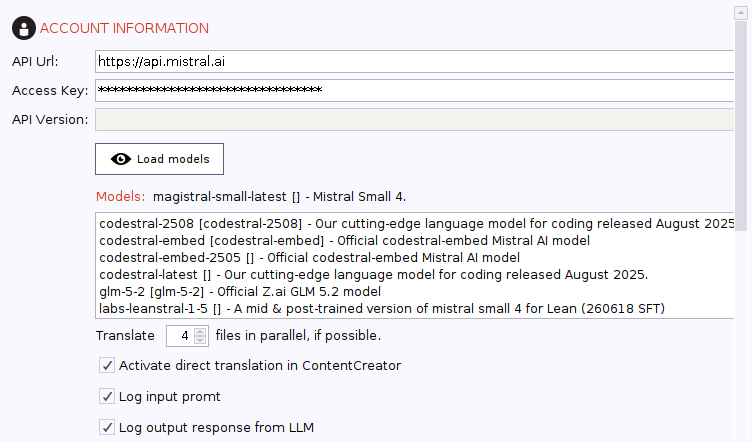
Especially in the beginning and to test your prompts, you might want to log input payloads and output responses.
Prompts
Your prompts are most important and the connector offers you all options to fine tune them.
| PROMPT | EXAMPLE |
|---|---|
${source} |
Source language in plain text |
${target} |
Target language in plain text |
${text} |
The text/xml to be translated |
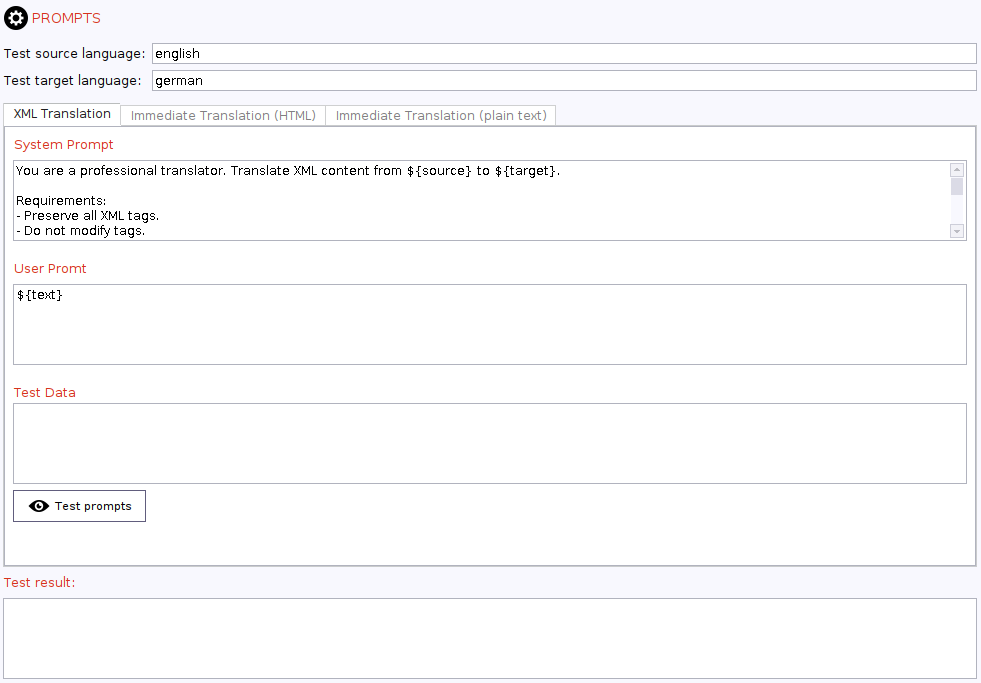
By default, XML translation is used to translate any XML file. We suggest at least the following:
| PROMPT | EXAMPLE |
|---|---|
System |
You are a professional translator. Translate XML content from ${source} to ${target}. |
User |
|
Immediate translation
You can use your LLM service in FirstSpirit’s translation helper to allow direct translation in the ContentCreator.
By default, translation of any rich text can use your default XML translation prompt.
However, when it comes to plain text translation, you might want to be more specific and reduce any noise.
| PROMPT | EXAMPLE |
|---|---|
System |
You are a professional translator. Translate the content from ${source} to ${target}. |
User |
|
Languages
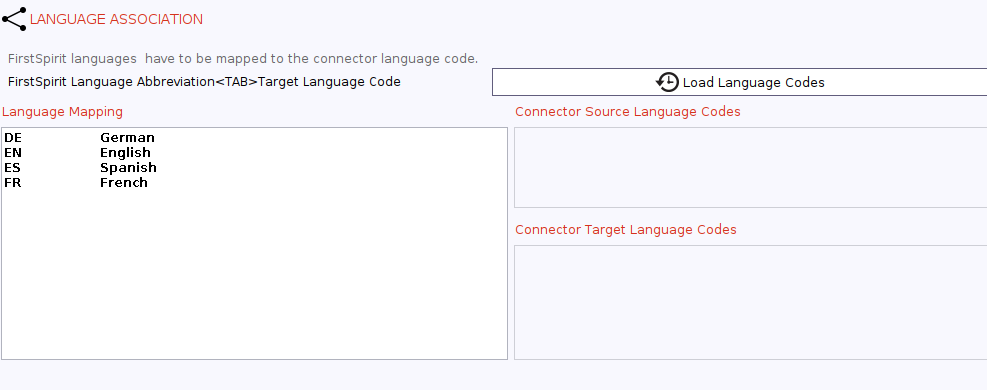
By default, FirstSpirit uses langauge codes and you will need to make their respective language known to your LLM in plain text.
To do so, you can query all languages used in your FirstSpirit projects and load their name automatically.
translationstudio will use your association when it creates your prompts to be sent to the LLM.